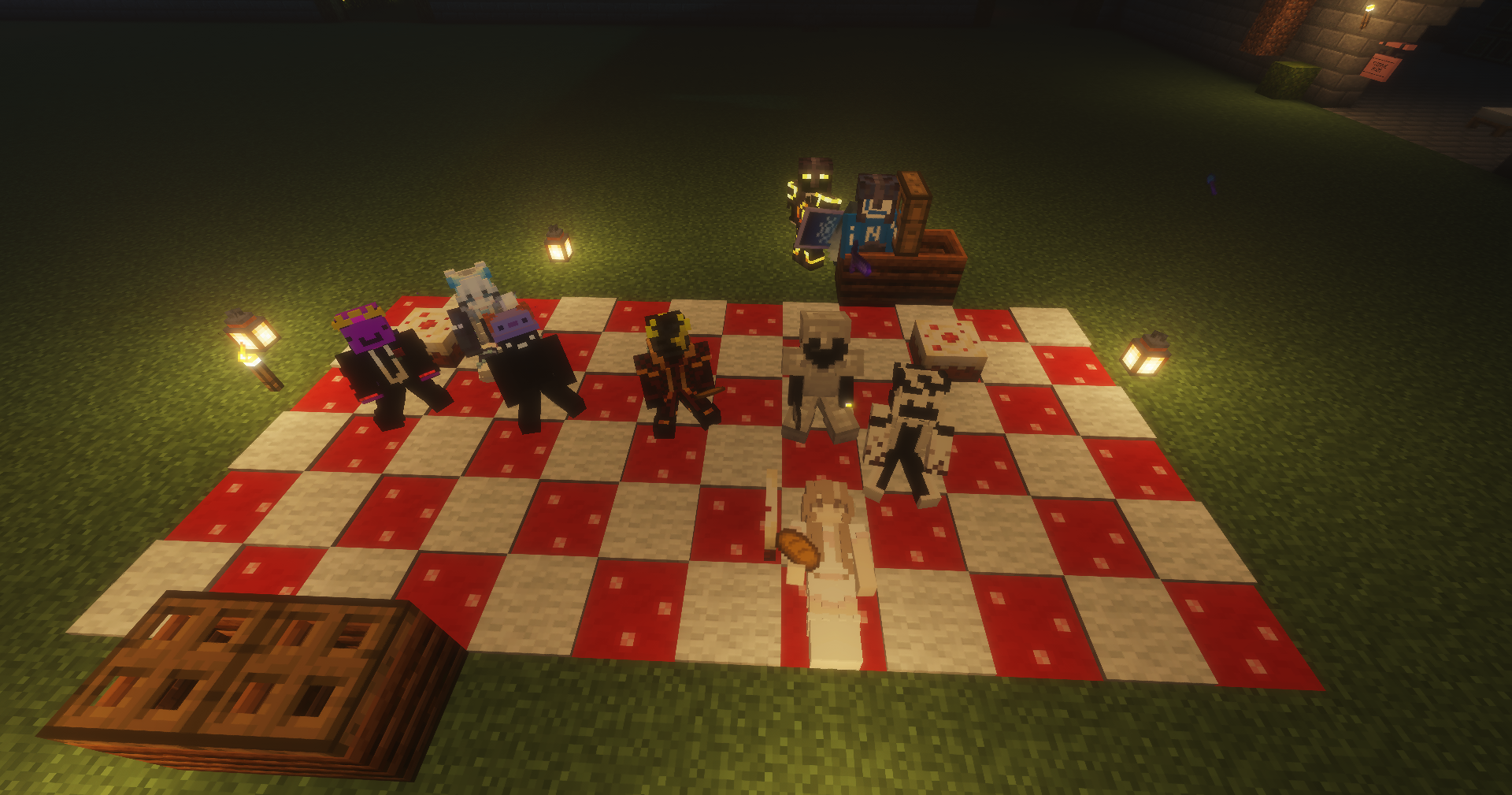
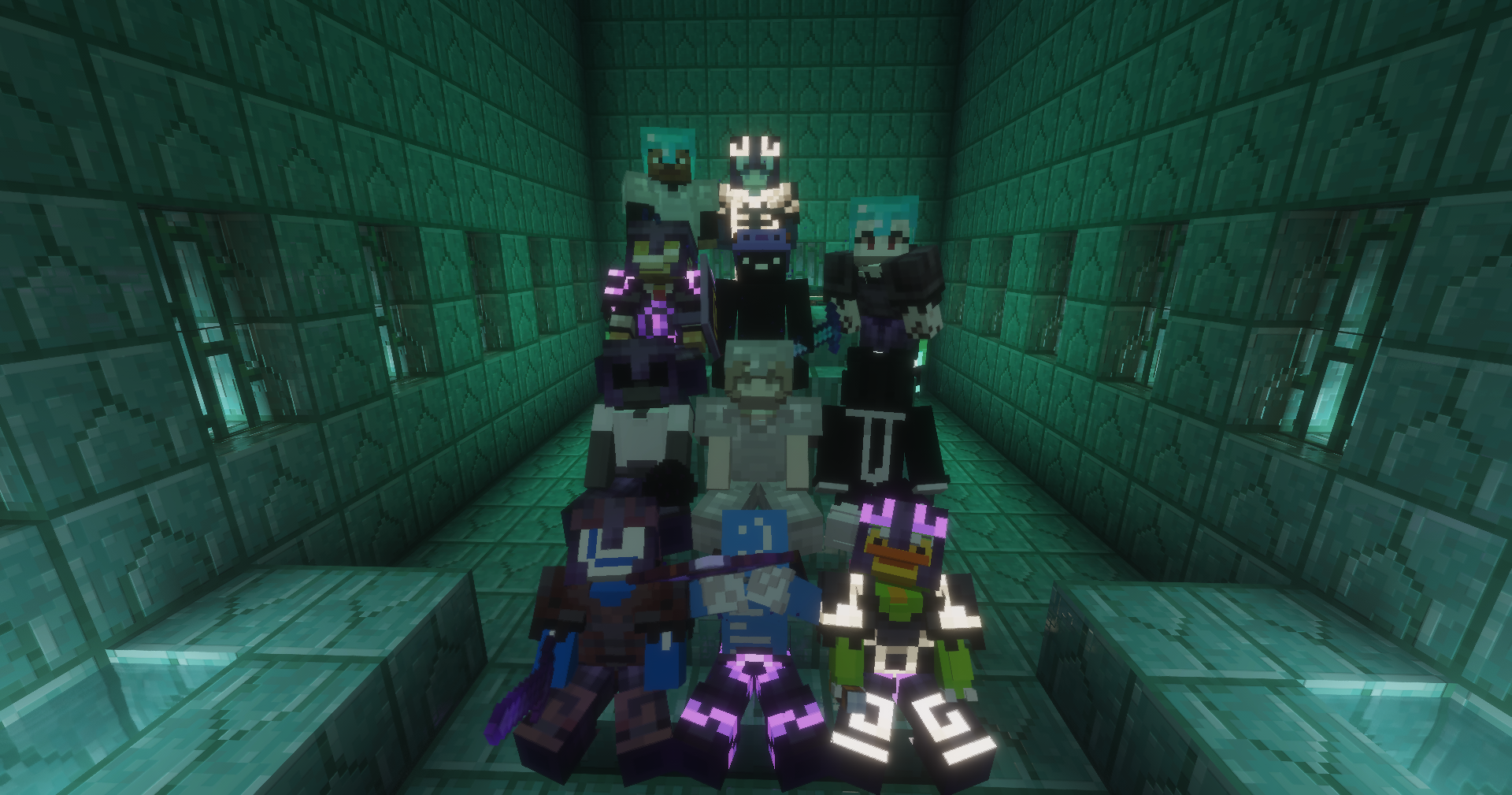
A chill survival Minecraft server with tons of features. Join friends, explore, build, and thrive.
Server IP
twcherry.online
Port: 19132 (Bedrock)
click to copy • bedrock edition
▼ scroll to explore ▼
✦ What We Offer
Server Features
Everything you need for a great survival experience, all set up and ready to go.
🌸
Item & Spawner Stacking
Items and spawners stack neatly with RoseStacker, keeping your world clean and your farms efficient.
⚔️
mcMMO Skills
Level up your skills over time. Mine, fight, fish, and craft your way to mastery.
🛡️
Grief Prevention
Claim your land with a golden shovel. Protect your builds and play worry-free.
💎
Keep Inventory
Never lose your items on death. Focus on adventure without the fear of losing everything.
🧲
Silk Touch Spawners
Pick up spawners with a Silk Touch pickaxe and place them wherever you need them.
🏪
Player Trading
Trade items safely with other players using TradePro. Build your in-game economy.
🎙️
Proximity Voice Chat
Talk to nearby players with integrated proximity voice chat for an immersive experience.
🪑
Sit Anywhere
Use GSit to sit on stairs, chairs, and the ground. Relax in style.
✦ Player Commands
Handy Commands
Everything you need to know to get started on TWC.
/rtp
Teleport to a random location in the world. Great for finding untouched land.
/sethome
Set a home at your current location. You can set up to 5 homes.
/home
Teleport to one of your saved home locations instantly.
/back
Return to where you last logged off or where you died. Never get stranded.
/warp
Teleport to community warps around the map. Explore shops, farms, and hubs.
/trade
Safely trade items with other online players using TradePro.
/tpa
Send a teleport request to another player. They can accept with /tpaccept or deny with /tpdeny.
/trust
Trust a player in your claimed land so they can build. Use /containertrust for chest access only, or /untrust to remove them.
Golden Shovel
Right-click with a golden shovel to claim land and protect your builds from griefing.
✦ Community Rules
Rules & Guidelines
Keep TWC fun and fair for everyone. Break the rules and face the consequences.
1
No XRay — instant ban. Using X-Ray texture packs, mods, or any method to see through blocks is a permanent ban. No exceptions.
2
No griefing or stealing. Respect other players' builds and claims. What's not yours, stay away from.
3
Be respectful. No harassment, hate speech, or toxic behavior in chat. Treat everyone the way you'd want to be treated.
4
No cheating or exploiting. Using hacks, duplication glitches, or exploits of any kind is not allowed.
5
Keep chat friendly. No spamming, excessive caps, or advertising other servers.
6
Have fun! This server is a community. Build, explore, and enjoy everything TWC has to offer.
✦ In-Game Voice
Proximity Voice Chat
TWC has in-game proximity voice chat powered by the Simple Voice Chat plugin. Talk to players near you in the world — no Discord needed.
🎙️
Proximity Based
Only players near you in-game can hear you. Voice fades as you move further apart, just like real life.
🔇
Mute & Deafen
Full control over your audio. Mute yourself or deafen others directly from the in-game menu.
🎧
Java & Bedrock
Java Edition players can use the mod directly. Bedrock players can join via Discord voice as an alternative.
⚙️
Easy Setup
Install the Simple Voice Chat mod on your client, join the server, and you're ready to talk. That's it.
🛠️ How to Set It Up (Java Edition)
1
Install Fabric or Forge for your Minecraft version if you don't have it already.
2
Download the Simple Voice Chat mod from Modrinth and drop it into your mods folder.
3
Launch Minecraft, join twcherry.online, and the voice chat will connect automatically.
4
Press V to open the voice chat menu in-game where you can adjust settings, volume, and more.
✦ The Team
Meet the Staff
The people keeping TWC running smoothly. Got a question or issue? Don't hesitate to reach out to any of us in-game or on Discord.
✦ Owners
Owners
👑
lovecherryy
Owner
Founder and head of TWC. Keeps the server alive and sets the vision for the community.
🌟
VPF1
Co-Owner
Co-founder of TWC. Supports the owner in running the server and keeping the community thriving.
✦ Development
Developer
💻
LucidMine
Developer
Handles plugin management, server configuration, built the website, and keeps both the server and site running.
✦ Moderation
Moderators
🥭
ambn
Moderator
Also known as Mango. Enforces server rules, handles reports, and helps players in need of support.
✦ Snapshots
Gallery
Builds, moments, and memories from the TWC community. Got a screenshot to share? Drop it in our Discord!
🌅Screenshot coming soon
⛏️Screenshot coming soon
🌌Screenshot coming soon
✦ What's New
Changelog
Every update, fix, and addition to TWC — documented here so you never miss a thing.
🚀 Server Launch
LaunchFebruary 2025
Server opened to the public! Welcome to TWC.
Core survival world generated and pre-loaded with Chunky.
mcMMO, GriefPrevention, EssentialsX, and LuckPerms configured.
Keep Inventory enabled — no more losing items on death.
Bedrock support added via Geyser + Floodgate (port 19132).
RoseStacker active for item and spawner stacking.
SilkSpawners enabled — pick up spawners with a Silk Touch pickaxe.
Proximity voice chat available via the voicechat plugin.
✦ Got Questions?
FAQ
Answers to the most common questions about TWC. Can't find what you're looking for? Ask us on Discord!
✦ Joining
Getting Started
Add twcherry.online as a server in Minecraft. For Bedrock Edition, use port 19132. Java Edition players connect through Geyser — just use the same IP and the default Java port.
Yes! TWC supports both Java and Bedrock Edition via Geyser and Floodgate. Bedrock players connect to twcherry.online on port 19132. Console players may need to use a DNS workaround to add custom servers.
No whitelist — the server is open to everyone. Just join and start playing!
✦ Gameplay
Gameplay
Yes! Keep Inventory is permanently enabled on TWC. You will never lose your items on death.
Hold a golden shovel and right-click two opposite corners of the area you want to claim. This uses GriefPrevention to protect your land from other players. New players receive starting claim blocks automatically.
You can set up to 5 homes using /sethome [name]. Teleport back with /home [name] and delete one with /delhome [name].
/back teleports you to your last location — either where you died or where you were before your last teleport. Handy if you accidentally tp'd away from something important!
Use /rtp to teleport to a random location in the world. Keep using it until you find a spot you love, then set a home there with /sethome.
Yes! Mine any spawner with a Silk Touch pickaxe and it will drop as an item you can place anywhere. This works thanks to our SilkSpawners plugin.
✦ Rules & Safety
Rules & Safety
Instant permanent ban. We use AntiXray and CoreProtect to detect and investigate suspicious mining patterns. There are no second chances for XRay — it ruins the economy and experience for everyone.
Contact a staff member in-game or on Discord with the location of the damage. We use CoreProtect to log every block placed and broken, so we can roll back any grief and punish the responsible player. Make sure your land is claimed to prevent this in the future!
Message a staff member directly in-game or reach out on our Discord server. Please include the player's username and a description of what happened.
✦ Join the Community
Discord
Everything happens in our Discord — from announcements and support to just hanging out. Come say hi!
💬
TWC Community Server
Chat with staff and players, get help, share your builds, and stay up to date with everything TWC. It's where the community lives.